Operator guide
The core flow from QR connection to reply handling.
This product assumes consent-based outreach to an existing client or opted-in contact base. Use this guide to onboard operators before they send their first campaign.
Step 1
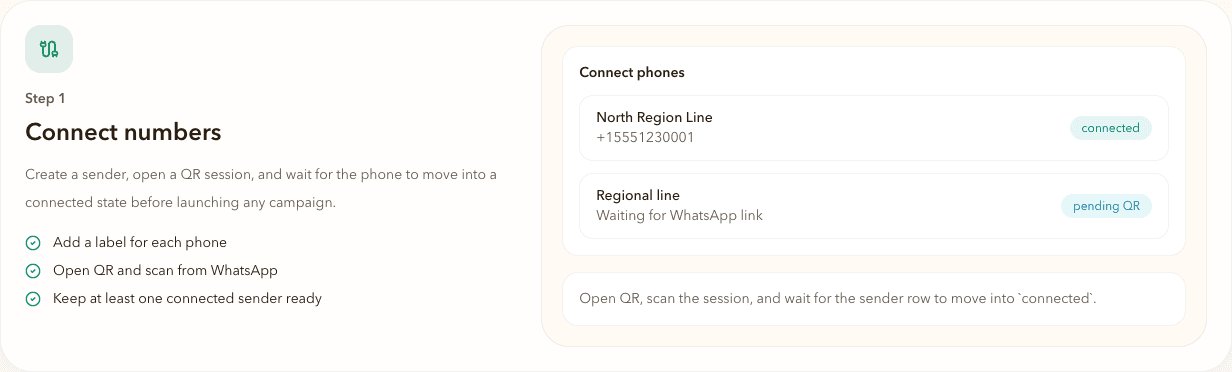
Connect numbers
Create a sender, open a QR session, and wait for the phone to move into a connected state before launching any campaign.
Add a label for each phone
Open QR and scan from WhatsApp
Keep at least one connected sender ready
Use this workflow only for contacts you are permitted to reach. The app is intended for existing customer bases, opted-in leads, and lawful follow-up workflows rather than unsolicited cold outreach.